Stage record 01/06
The best work
ends up buried.
Your client sees a wall, a lawn, a floor. Not the three days that went underneath it. Line up the photos you already took and hand them something they can follow.
We line the photos up. We don't touch what's in them.
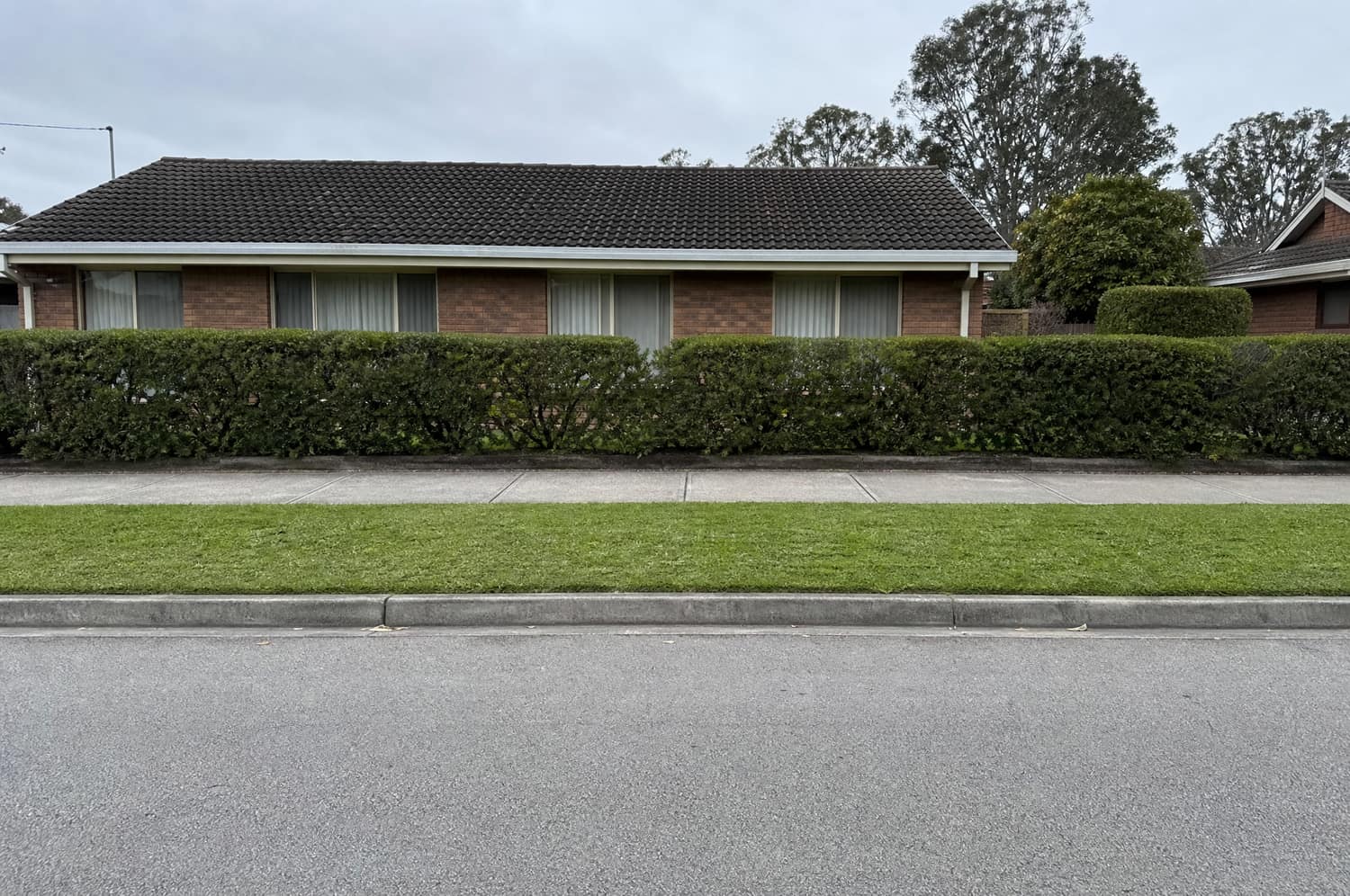
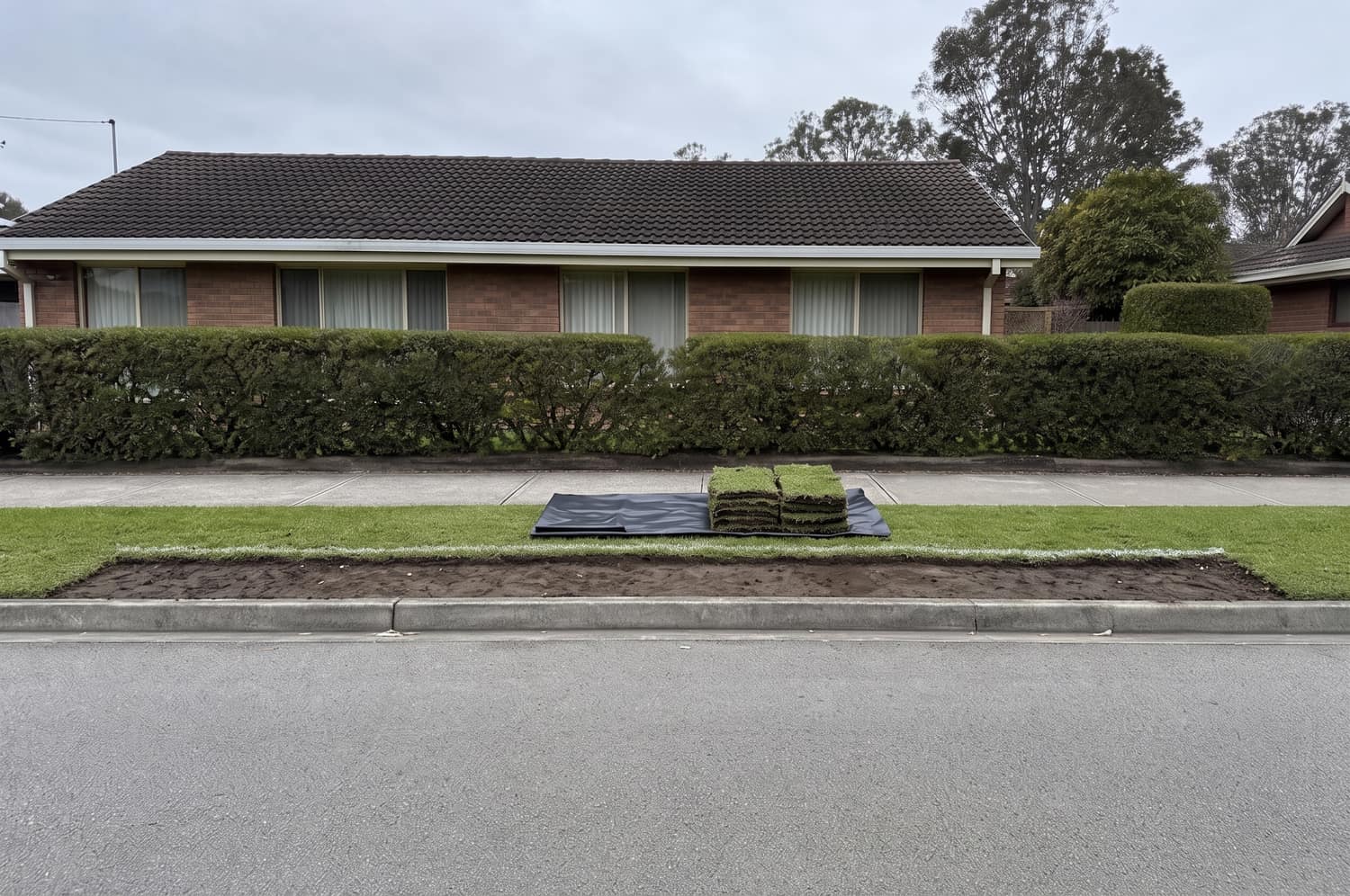
BeforeDay 1
The verge as it was. Nothing touched.
Keep scrolling — the job carries on
01 — What they end up with
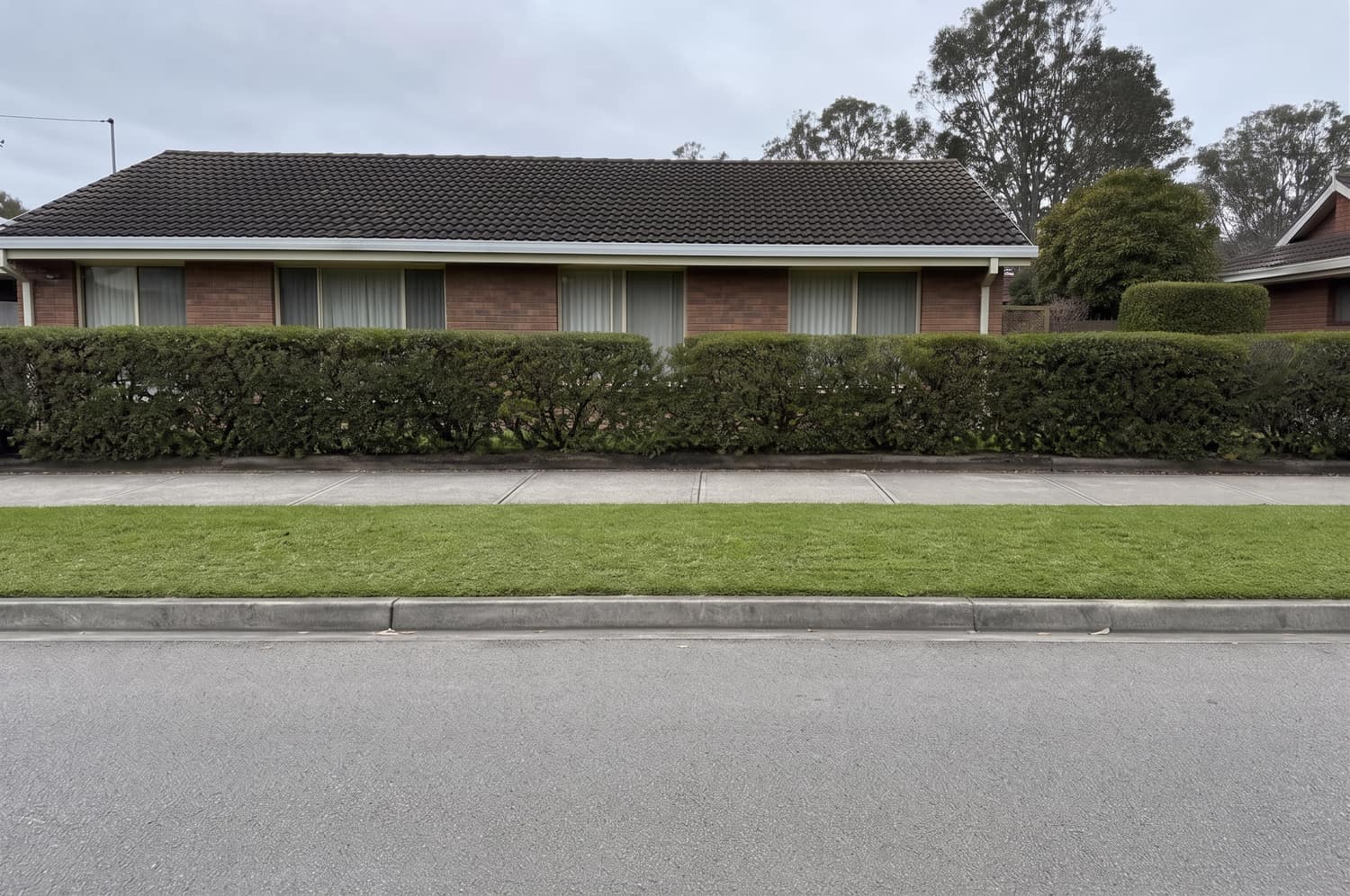
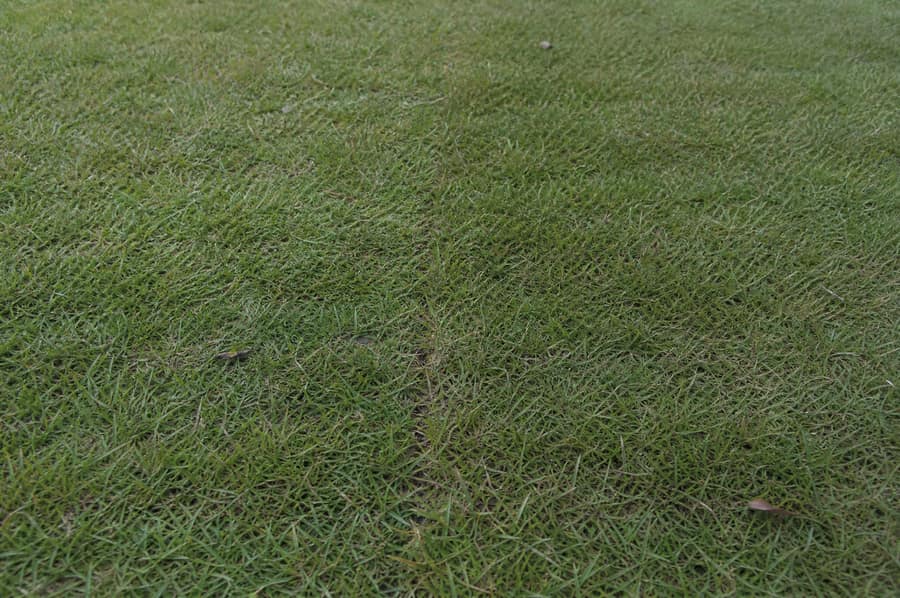
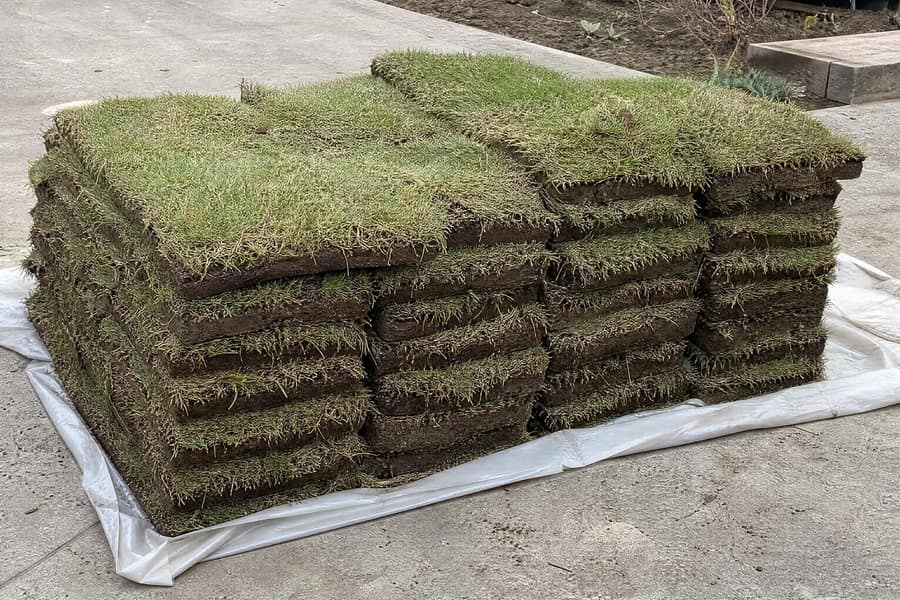
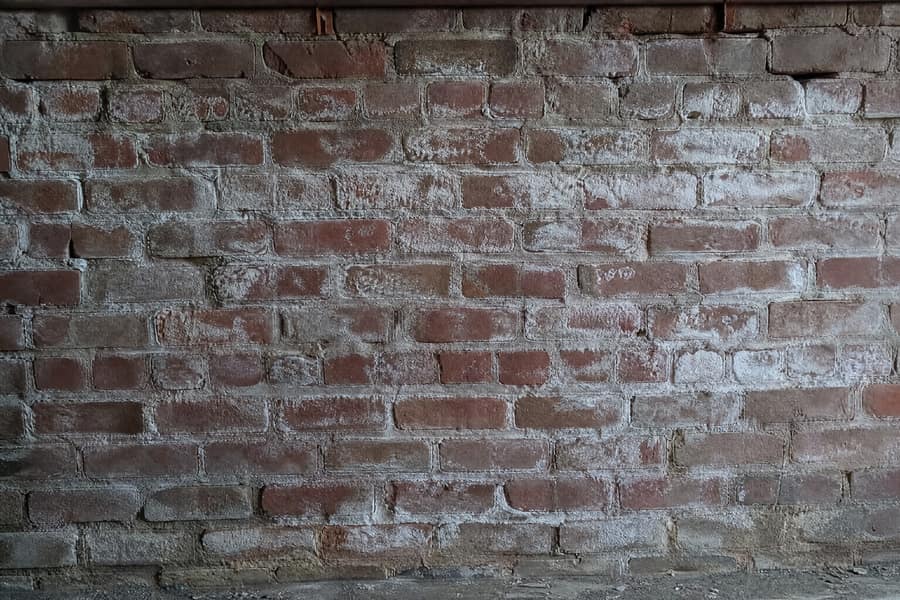
Two photographs of the same spot, six days apart.
Everything that made the job worth paying for happened in between, and none of it is in either picture. That is not a photography problem. It is why the price gets questioned, why the last invoice sits unpaid for a fortnight, and why the next job goes to whoever quoted less.
02How it works
Three steps, and you already did the first one.
01
Upload what you already took
Three to fifteen photos off your phone. Before, during, after. No new kit, no second site visit, no forms to fill in on a wet Tuesday.
Location data is stripped in your browser before anything leaves the phone.
02
We pair them by camera position
Photos of the same spot on different days get grouped together, so the before and the after line up instead of drifting. Drag any photo into a different group when we get it wrong.
Pairing is a best guess. You have the final say on every group.
03
Say what you did, and what they can't see
Two lines is enough. It comes back as ordered stages with captions in your own words, and the buried part written out plainly where the client will actually read it.
Stage names, dates and dimensions are typed by you and stay editable.
Then the comparison sheets. Then, if the job warrants it, the stage film. In that order, always — the film is built out of frames you have already signed off, so there is no way to skip ahead to it.
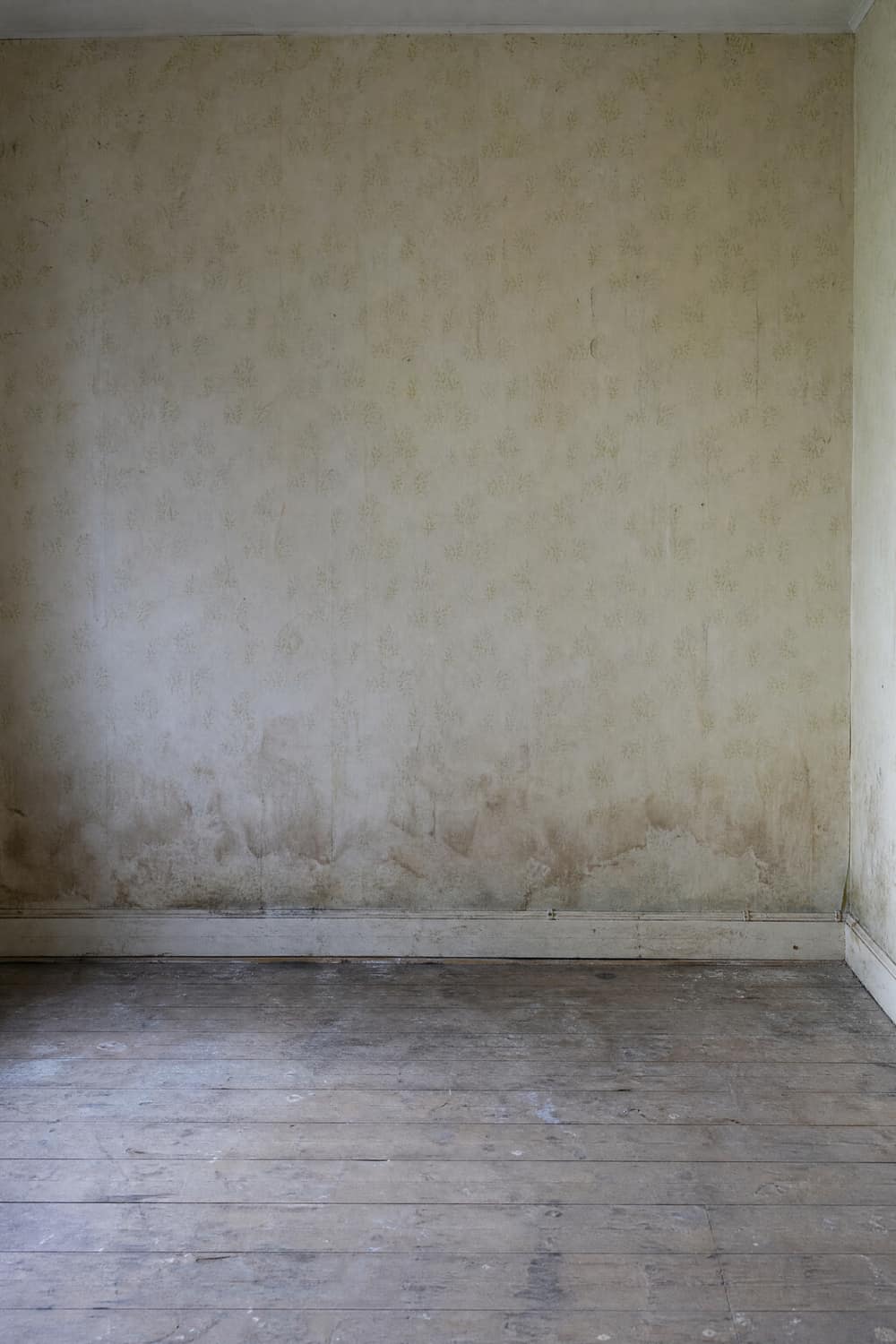
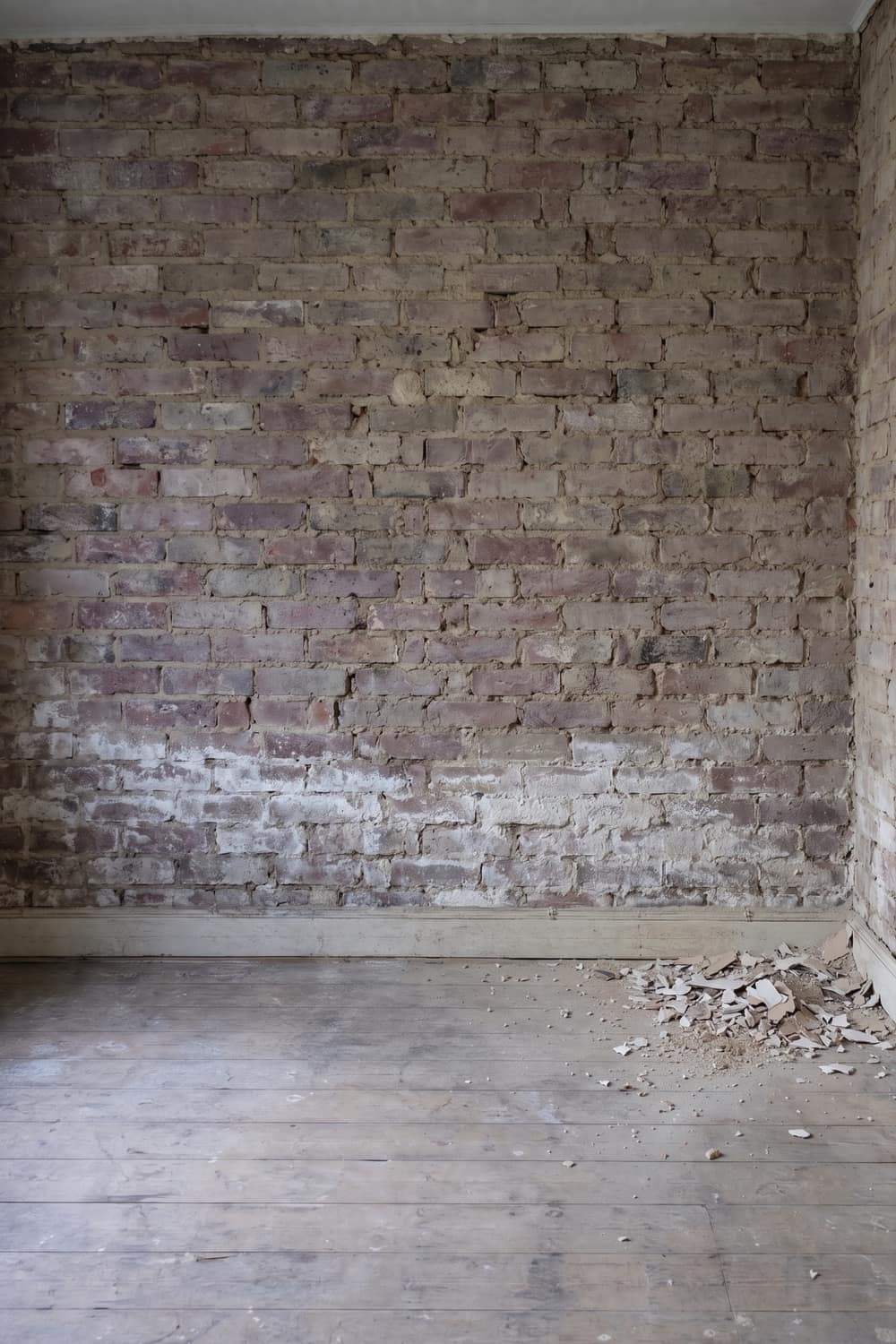
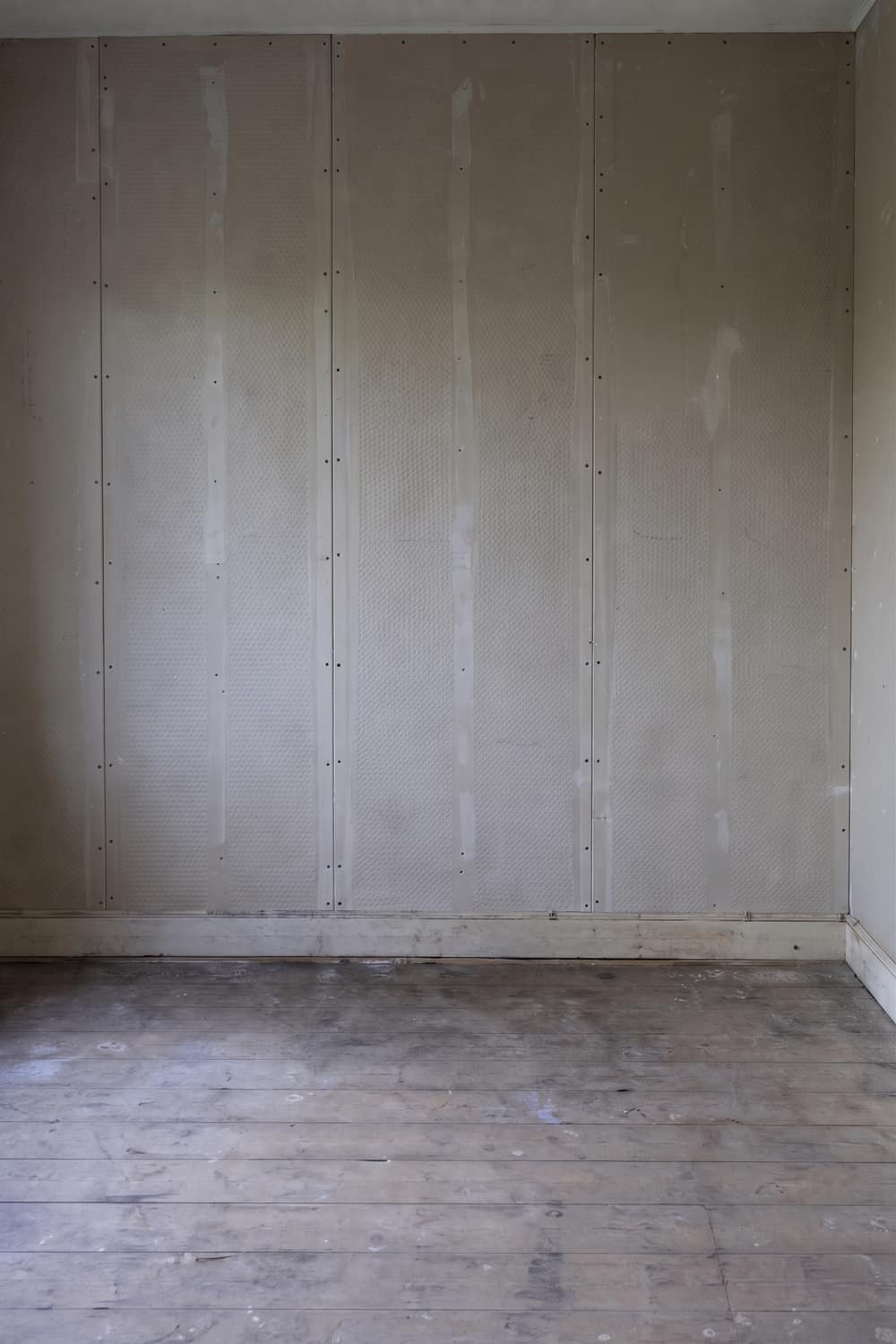
Damp wall taken back and rebuilt
Drag the rule
BeforeDay 1
Paper on, tide mark rising, nothing visible behind it.
Damp wall taken back and rebuilt stage
What they will never see
- Plaster off back to brick, not patched over
- Salt-contaminated mortar exposed and left to dry
- Membrane across the full wall, not just the tide mark
- Board joints staggered and fixed to spec
03The record
Drag it back and forth, the way they will.
A comparison sheet is one camera position across every stage, with your labels on it and the buried work spelled out underneath. Your client can go back through it in a message thread at nine at night without ringing you to ask what the membrane was for.
The original photograph is one press away on every frame. It is there so that anyone who wants to check can check.
Another one
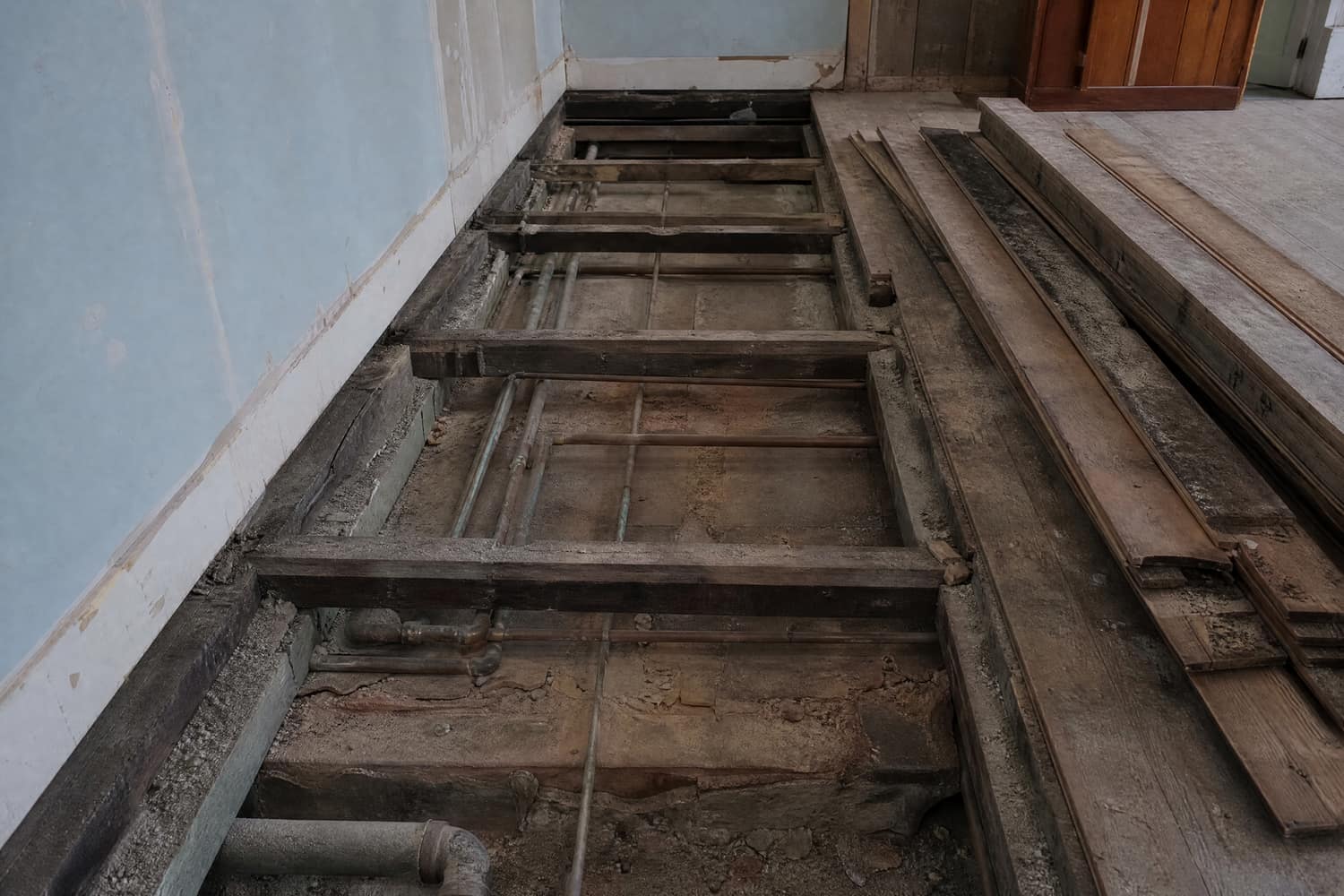
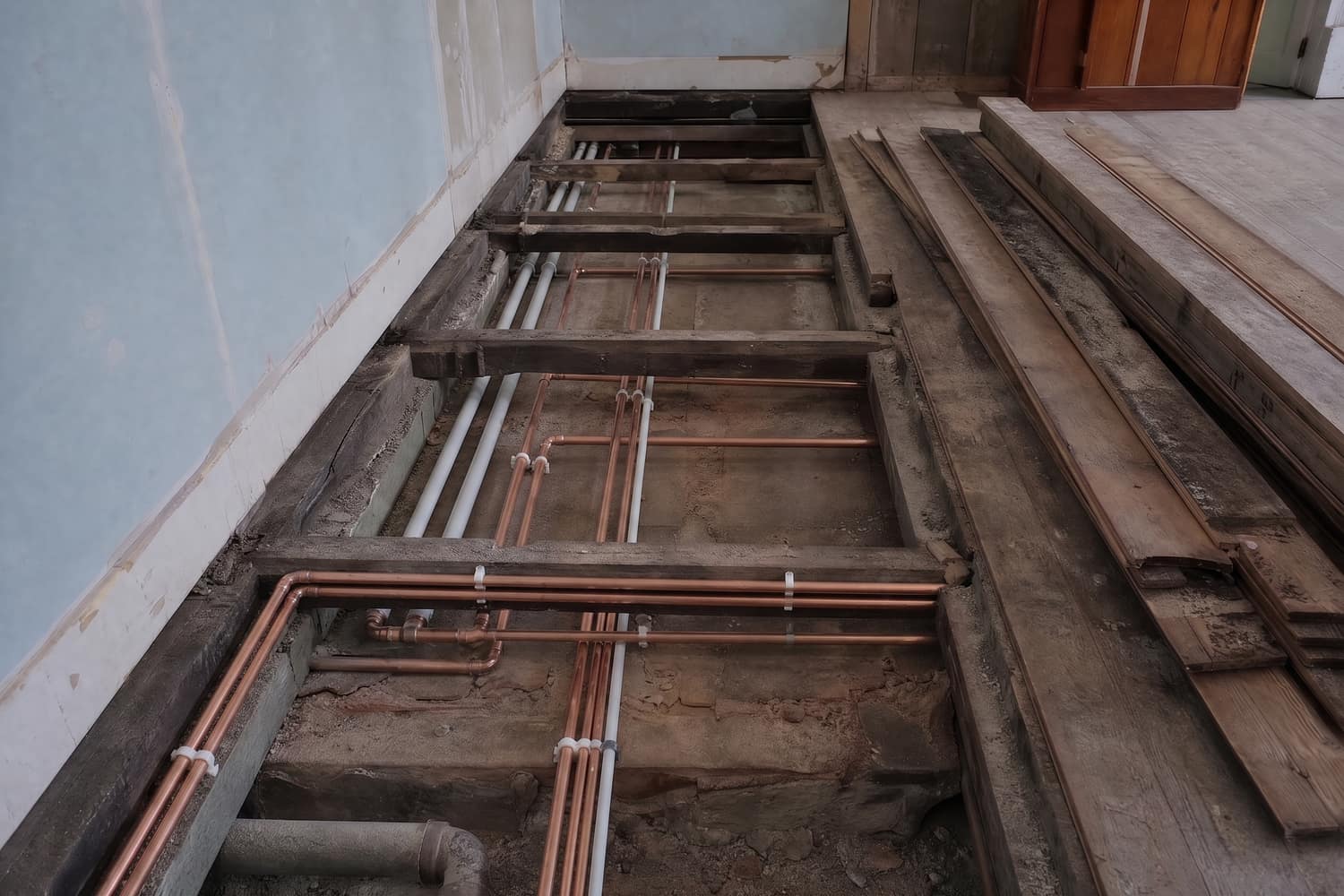
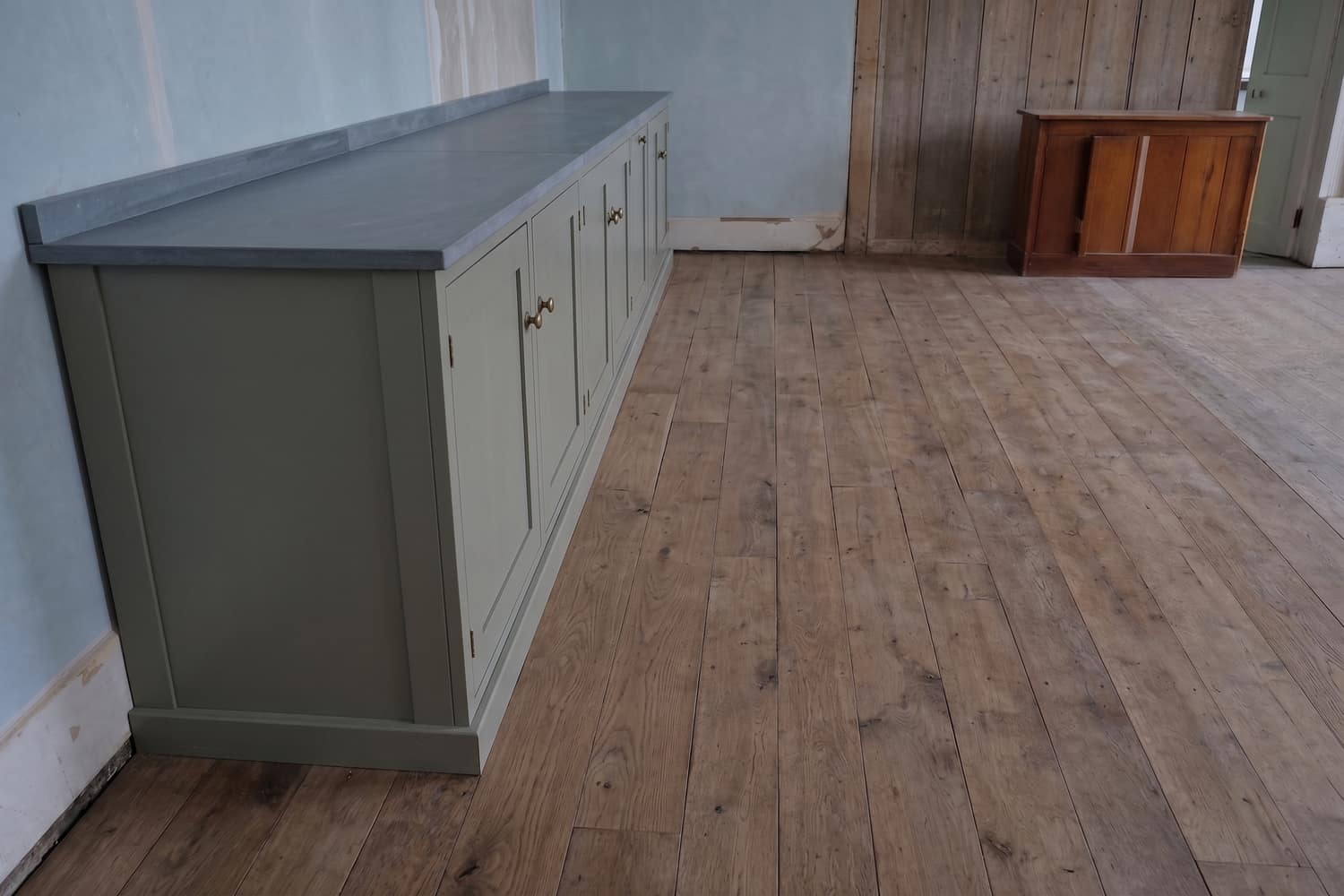
Under the floor, then gone.
Two days of pipework, replaced properly rather than bypassed, and by Thursday there is a kitchen standing on top of it. This is the shape of the problem in every trade where the good work gets covered up.
Pipe run replaced under a floor
Drag the rule
BeforeDay 1
Boards up. The run that had been leaking for years.
Pipe run replaced under a floor stage
What they will never see
- Old corroded run taken out entirely, not bypassed
- New run clipped at proper centres
- Joists left uncut and unnotched
Sample records. The photographs on this page were generated to show the format — on a site that says it does not touch what is in your pictures, it would be poor form not to say where its own came from.
04The stage film
A sheet shows two moments. A film shows the order.
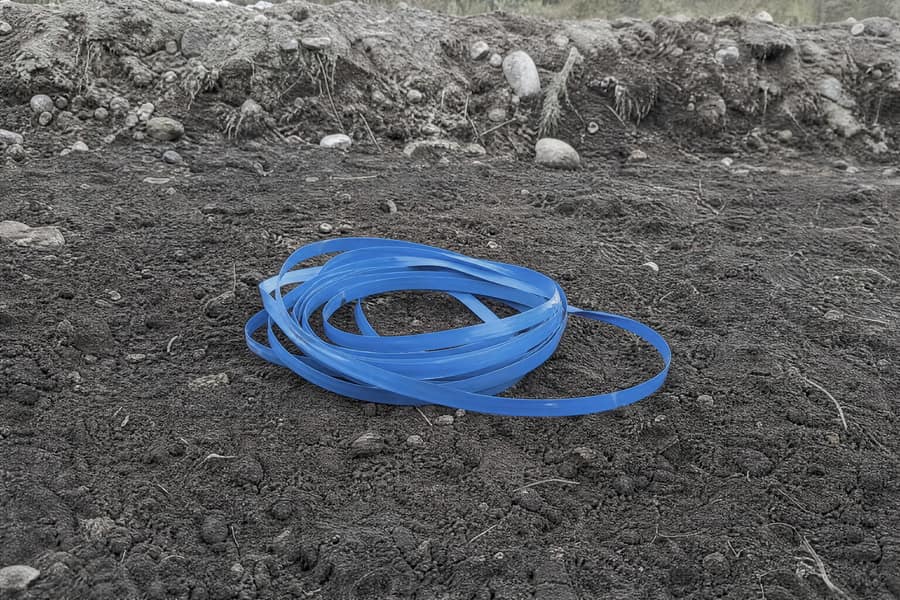
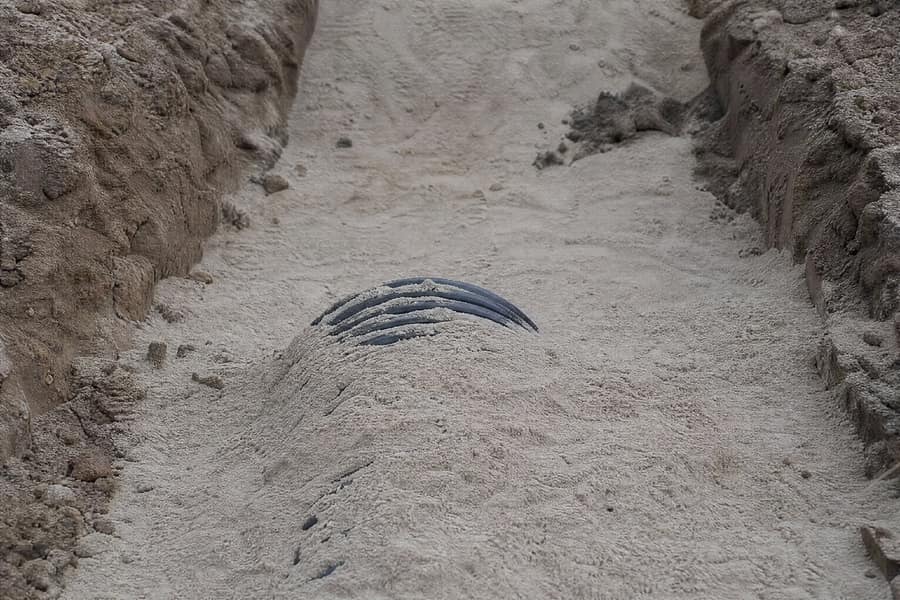
Side-by-side pictures cannot carry sequence. They cannot show that the sand went in before the tape, or that the wall stood open for two days drying out. The job is a process, and time is the axis it runs on, so the second thing you get is fifteen to forty seconds of that process at one camera position.
Nine-by-sixteen and sixteen-by-nine from the same job, so it goes in a message thread or on a feed without recutting.
No audio track. By design.
Exports are silent. Music of unknown provenance gets clips muted or pulled by platforms that run copyright detection, and a record that gets silenced two hours after you post it is no use to anybody. Add your own audio afterwards if you want it.
- 01Sheet firstThe film cannot be reached until the comparison sheet is finalised. There is no path from photos straight to video.
- 02Your frames, in your orderThe signed-off frames are the input. The film moves between them; it does not invent a stage that was not photographed.
- 03Labels go on afterwardsStage names and dates are composited over the finished film by the browser. No model is asked to write on a picture.
05 — Two rules we do not bend
We line the photos up. We don’t touch what’s in them.
Before-and-after is the most useful way to show this work and the easiest place in the world to start lying. So the temptation is engineered out rather than discouraged.
Original always visible
A View original control on every comparison, one press, no menu.
Matched colour handling
Before and after run through the same parameters. If the after frame was shot noticeably brighter or warmer, you get told and you have to confirm it.
No retouching tools exist
Nothing removes debris, fills in unfinished work, changes a material, cleans up surrounding damage or adds equipment. Not switched off — absent.
We record the work. We never judge it.
Workproof will not tell you, your client, or anyone else whether a job is correct, whether it meets a standard, whether it is safe, or whether it should pass. It has no opinion about the work and it is not built to form one.
Not an inspection
It looks at nothing and concludes nothing. There is no analysis of the photographs for defects, hazards or compliance.
Not a certificate
Every export carries a fixed line saying exactly that, and it cannot be edited out.
Not a substitute
It must not stand in for any statutory inspection, sign-off or safety certification. That has to come from somebody qualified to sign it.
This is a record of work as photographed. It is not an inspection, a certificate, or a statement of compliance with any standard.
06Pricing
Three plans. Nothing else to buy.
Subscription only. No top-up packs, no balance to keep in the account, no stored value of any kind. Every price on this site is in USD.
Free gets you all the way through the comparison sheets for a job, watermarked. The reason people pay is the day the job finishes: a set of sheets with somebody else’s watermark across them is not something you send a customer while asking for the final payment, and the stage film is the only format that makes the buried half of the work land in one look.
Free
Enough to build the full stage comparison for one job and see whether it holds up.
$0USD / month
50 allowance each period
- Stage comparison sheets, all stages
- Camera-position pairing
- Exposure consistency check
- Original photo always one click away
- Front-end stage labels, dates and dimensions
- Exports carry a watermark
- No stage-progression video
No card needed. Nothing renews.
Site
Most take thisFor one person finishing jobs and needing to hand something over the same day.
$17USD / month
550 allowance each period
- Everything in Free
- Stage-progression video, 15 to 40 seconds
- Both 9:16 and 16:9 from one job
- No watermark
- Full-resolution export
Renews automatically until you cancel. Cancel any time in Billing.
Crew
For a small outfit running several jobs at once and keeping a back catalogue.
$48USD / month
2100 allowance each period
- Everything in Site
- Multi-job archive with search
- Batch stage pairing across jobs
- Priority generation queue
- Shared job links for clients
Renews automatically until you cancel. Cancel any time in Billing.
07Questions
Asked and answered plainly.
Including the two we get asked most and answer with a flat no.
01Can I use this as a sign-off, an inspection or a certificate?
No. Not as any of those things, and not as part of one.
Workproof lines up photographs you took and puts stage labels and dates on them. It does not assess whether work is correct, whether it meets a standard, whether it is safe, or whether it should pass anything. It makes no judgement about the work at all — not from the photographs, not from what you write in the chat, not anywhere.
Every export carries this line at the bottom and it cannot be removed: “This is a record of work as photographed. It is not an inspection, a certificate, or a statement of compliance with any standard.”
If a job needs an inspection, a test certificate, a sign-off or a compliance statement, that has to come from somebody qualified to put their name to it. This is a record of what you photographed, and that is all it is.
02Will you make the finished photos look better than they are?
No, and it is built so we cannot.
Three things enforce it. First, the original photograph sits behind a View original button on every single comparison, one press away, always. Second, the before and after frames are put through the same colour handling — if the after frame has been shot noticeably brighter or warmer than the before frame, we flag the gap and make you confirm it before going on, rather than quietly matching them up.
Third, there is no tool anywhere in the product for removing site debris, filling in unfinished work, changing a material colour, tidying up surrounding damage or adding equipment that was not there. Those functions do not exist, so there is nothing to switch off.
We line the photos up. We don't touch what's in them.
03What happens to my photos, and do you train models on them?
Your site photographs are not used to train models. Not ours, not anybody else's.
They are used to produce the record you asked for and nothing else. Location data in the photo file is stripped by default in your browser before anything is uploaded, so the coordinates of a customer's house do not leave your phone.
Job content is kept for 30 days unless you save it to your account, and you can delete any job or your whole account at any time from your account settings. Deleting removes the content from live storage; operational caches clear within 30 days after that.
The full detail is in the Privacy Policy and the Content License.
04How accurate is the output, and who checks it?
You do, and you have to.
The chat organises what you tell it into stages and writes captions from your own words. It can get an order wrong, misread which photo goes with which position, or write a caption that does not match what you meant. The camera-position pairing is a best guess and you can regroup any photo by hand.
Nothing is sent to your client until you have read it. Check every stage label, date and dimension before you export — those are typed by you and editable, precisely so they are yours to get right.
05What does the allowance cover, and does it roll over?
Your plan includes an allowance each period: 50 on Free, 550 on Site, 2100 on Crew. A chat request costs 1, pairing photos costs 2, generating or adjusting a comparison sheet costs 5, and a stage-progression video costs 50.
The allowance resets at the start of each period and unused allowance does not carry over. There are no top-up packs and no stored balance to buy — if you run out before the period ends, the only route is a higher plan.
Allowance is a service usage unit. It is not money, it is not stored value, it cannot be cashed out and it cannot be transferred.
06How do I cancel, and can I get a refund?
Cancel yourself in Billing, in two clicks, with no email and no phone call. You keep access until the end of the period you have already paid for, and it does not renew after that.
Part-periods are not refunded and unused allowance is not refunded, because you are paying for the period rather than by usage. If a generation comes out wrong we will normally re-run it or add allowance back rather than refund it.
If something has gone wrong with a charge, email support@johncharlescontractors.com or call +44 7768808346 before opening a dispute with your bank — we answer within one business day and it is nearly always quicker.
The full terms are in the Refund Policy.
07Who can open an account?
You must be at least 13 to hold an account. If you are 13 to 17 you need a parent or guardian to agree to the terms on your behalf. Under 13, the service is not available.
One account per person. Accounts are not to be shared or resold.
08Do I have to make the video, or can I stop at the pictures?
You can stop at the pictures. On Free you can build the full set of stage comparison sheets for a job and export them with a watermark, without paying anything.
The video is the other way round: you cannot skip to it. The comparison sheets have to be finalised first, because the video is built from the frames you signed off. There is no path that produces a video from photos you have not already lined up and checked.
Next job you finish, come back with the photos.
Free to start, no card, and you can build a full set of sheets before deciding whether any of it is worth paying for.